Fantasy Cricket Tools Workflow IPL 2026: Build Smarter Lineups With Online Picks & Strategy Apps
A fantasy cricket lineup is rarely won by gut feel alone, but it is also rarely won by drowning in apps. The reliable path is a small, disciplined fantasy cricket tools workflow: one builder, one projection source, one comparison view and one tracker, all wired together by a pre-lock checklist. This guide walks through how to assemble that stack for IPL 2026 and how to keep each tool honest.

Quick takeaways
- Build a stack of four core tools: lineup builder, projection model, comparison view and contest tracker.
- Pick one canonical projection source so disagreements become explicit uncertainty rather than hidden bias.
- Treat tools as decision support, not oracles — always cross-check with team news and toss updates.
- Use a pre-lock checklist so the tools serve the process instead of overwhelming it.
- Track results honestly: an unrecorded loss teaches less than a logged one.
1. Why a fantasy cricket workflow matters more than any single tool
The fantasy cricket tool landscape has grown faster than most players can absorb. Each platform now ships its own lineup builder, projection model, contest tracker and notification system. Add independent third-party apps, social tipster feeds and AI-generated predictions, and a typical pre-lock window can produce twenty conflicting signals. A workflow is the buffer that converts these signals into a single decision.
A good workflow defines the order of operations. It tells you what to open first, which output to treat as canonical, when to refresh data, and what to do when tools disagree. It also enforces the rule that human factors — confirmed XI, toss news, late injuries — override model output. Without a workflow, the temptation is to keep scrolling until one of the projections matches your prior, which is a polite form of confirmation bias.
The workflow also makes your tools auditable. When a contest goes wrong, you can replay the decision and identify whether a tool misled you, a human factor was missed, or the tools simply disagreed. That record is the difference between repeating the same mistake and improving through the season.
2. The four-tool minimum stack for IPL 2026
You do not need every fantasy cricket tool on the market. A disciplined stack of four — one of each role — covers the bulk of decision-making without flooding you with conflicting numbers.
| Role | What it does | When to use it | Watch-out |
|---|---|---|---|
| Lineup builder | Enforces team rules, salary cap, role limits | Right after squads are announced | Lock early to avoid late platform errors |
| Projection model | Estimates expected points per player | Once venue and opponent are confirmed | Stale inputs become stale outputs |
| Comparison view | Side-by-side captain and C/VC trade-offs | Pre-lock and after toss | Don't compare across different role groups |
| Contest tracker | Logs entries, teams, captain picks and outcomes | After each contest | Without it, you cannot review decisions |
More tools can be layered on later — ownership splits, simulation engines, weather overlays — but adding tools without a workflow typically reduces clarity. Treat each new app as an addition to an existing role, not a new role of its own.
3. Lineup builders: enforce rules first, picks second
The lineup builder is your rule-keeper. It enforces role limits, salary cap, maximum overseas players and team-specific restrictions. The mistake many players make is to start with a shortlist and let the builder force-fit the picks. The reliable pattern is the opposite: open the builder first, lock the playing-XI confirmation, then shortlist inside the builder's filter view.
Filter the player pool by role and team
Most builders expose role filters (wicketkeeper, batter, all-rounder, bowler) and team filters. Filtering first collapses the universe to a manageable size and lets you see salary-relative value rather than absolute batting averages. A familiar name with a low salary fit is often a smarter pick than a star whose salary blocks you from fielding a balanced XI.
Track credit left
A common trap is to spend 95% of the salary cap and leave no room to upgrade a role. Aim to leave 1–3 credits unused unless the upgrade path is genuinely closed. The builder's remaining-credit indicator is a quality check, not a challenge to fill.
Save multiple versions
Save at least two lineup candidates before the toss: a safe version and an upside version. The toss update usually forces a substitution; having both saves prevents a panic rebuild when an unexpected change hits.
Once the lineup shape is stable, move to projections. The fantasy cricket strategy hub covers the role-security inputs that should drive that projection pass.
4. Projection models: venue, opponent and role inputs
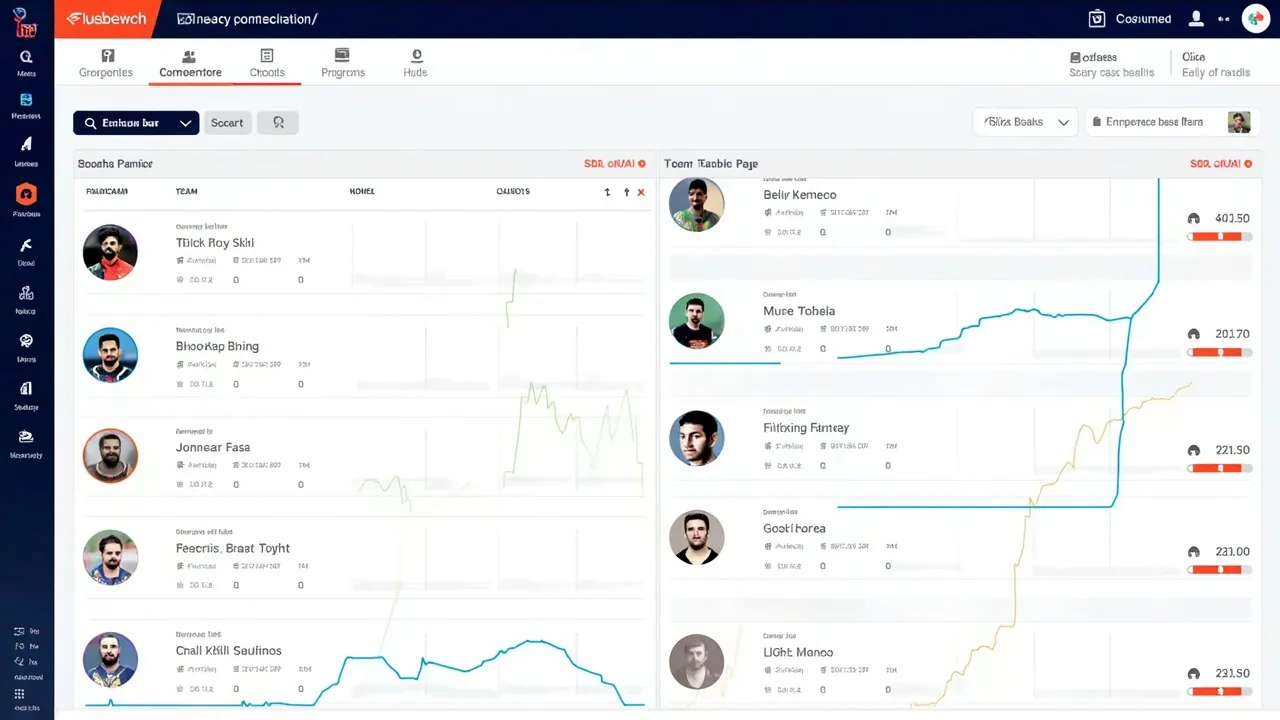
Projection tools vary widely. Some rely on rolling averages, others on phase-weighted role projections, others on simulation runs. The output you trust depends on the inputs that feed it. Three inputs deserve explicit attention: venue, opponent and role.
| Input | Why it matters | Quick check |
|---|---|---|
| Venue | Pitch type, boundary size, dew expectation | Compare averages with venue, not season-wide |
| Opponent | Bowling type, batting depth, intent profile | Note matchup-specific roles, not just totals |
| Role | Batting position, overs, wicketkeeping | Confirm role each match, not by reputation |
Look for projection tools that publish their inputs. If the tool hides how it arrived at a number, treat the figure as an opinion rather than a measurement. A tool that says "Player X projects to 47 points" is useful; a tool that says "47 points, based on venue average, opponent bowling type and recent role" is much more useful.
Refresh projections after the toss. The batting order may shift, the bowler share may move, and dew can flip the value of chasing versus defending. A pre-toss projection is a baseline; a post-toss projection is the decision input.
5. Comparison and captaincy views
Comparison tools shine at the captain and vice-captain stage. They typically let you put two or three players side-by-side and adjust inputs in real time, which is more useful than a static table of projections. Use them to test sensitivity: what happens if the wicket slows, or if the chasing team accelerates early?
Build a C/VC shortlist, not a single name
Even when a captain pick feels locked, keep two alternatives in mind. The benefit is twofold: when the toss surprises you, the comparison view already has the alternate numbers ready; and the act of comparing forces you to articulate the captain case explicitly.
Don't compare across role groups
A common error is comparing a top-order batter to a death-overs bowler for captain. Their scoring routes are too different for a fair comparison. Compare within role — opener to opener, wrist spinner to wrist spinner — and let overall lineup construction handle the role balance.
Use the platform's multiplier
On platforms with 2x and 1.5x captain multipliers, a small projected edge can become a meaningful captain case. On platforms with flat multipliers, the comparison should weigh consistency more heavily. Always confirm the scoring table on the platform you are entering.
6. Contest tracking and review
A contest tracker is the cheapest tool in the stack and the one most often skipped. A spreadsheet with columns for contest name, format, lineup hash, captain, vice-captain, ownership notes, projected points, actual points and result is enough. The goal is not analytics — it is memory.
Review the tracker weekly. Look for patterns: which captain picks underperformed, which contests rewarded upside picks, which inputs were stale. Patterns show up only when decisions are recorded, not when they live in chat screenshots.
Share the tracker with a small accountability partner if you can. Two reviewers catch different patterns. One notices when ownership is misread; the other notices when the role was misjudged. The combined view is sharper than either alone.
7. A pre-lock workflow for IPL 2026 contests
- Confirm the XIs: remove non-starters and impact substitutes; note likely batting order changes.
- Open the lineup builder: apply role and team filters, leave 1–3 credits of salary headroom.
- Save two lineups: a safe version and an upside version, both inside the builder.
- Refresh projections: update venue, opponent and role inputs after the toss.
- Compare C/VC candidates: use the comparison view to test two or three names, not one.
- Cross-check team news: read verified sources for last-minute fitness and combination changes.
- Lock confidently: trust the workflow, not the last tipster post you scrolled past.
- Log the entry: record captain, vice-captain, projected points and ownership notes in your tracker.
- Review after the contest: note which tool inputs were accurate, which were stale, and what to change next time.
The order matters. Locking before the projection refresh is the most common error: it freezes a number into the lineup that no longer reflects the post-toss reality. Discipline about ordering is what separates a tool user from a tool collector.
8. Common fantasy tools mistakes to avoid
- Collecting tools without a workflow: more apps do not produce better lineups; they produce noise.
- Trusting projections that hide their inputs: if you cannot see the formula, you cannot audit it.
- Skipping the tracker: without records, mistakes repeat and improvements stall.
- Letting tools override news: a model that ignores a confirmed XI change is broken.
- Comparing across role groups: captain comparisons are most useful within role.
- Averaging disagreeing tools: disagreement is information; averaging hides it.
- Refusing to abandon a stale tool: if a tool repeatedly misses role or venue, replace it.
The cleanest fantasy workflow is modest. Four tools, one canonical projection source, one tracker and a checklist. Anything beyond that is incremental, and increments only help if they integrate cleanly with what you already use. For a broader reading of cricket strategy, see our latest cricket news.
Frequently asked questions
Which fantasy cricket tool should I open first?
Open the official lineup builder first so role limits and salary caps are enforced. Then add a projection model, comparison view and contest tracker on top before lock.
Are free fantasy cricket tools accurate enough?
For most players, free tools handle role mapping, salary checks and captaincy comparison. They become limiting when you need reliable projected points, ownership splits or large-field simulation runs.
How do I keep tools from contradicting each other?
Pick one canonical projection source and let the others serve as sanity checks. When two tools disagree by more than 15% on a player, treat the gap as uncertainty rather than averaging it away.
Do fantasy tools replace cricket news?
No. Tools process data but cannot read a press conference or sense a niggle. Always combine tool outputs with verified team news and toss reports before locking.
What is the minimum tool stack for IPL 2026?
A lineup builder, a projection tool that updates for venue and opponent, a comparison view for captaincy, and a contest tracker. Anything beyond that is incremental.
Build your IPL 2026 lineup with a clean tool stack
Four tools, one workflow, one checklist. Start with the builder, finish with the tracker, and let the role story drive every decision.
Explore Fantasy Tools